How to Film a Baseball Swing for Analysis: Coach Tips
Knowing how to film a baseball swing for analysis starts with one goal: capture enough detail that a coach, or an AI biomechanical report, can see what the bat, hips and front side are actually doing. Many parents point a phone from the bleachers and hope for the best. A few small changes in angle, distance and frame rate make the difference between a blurry clip and a video worth studying. This guide walks through the setup coaches and video analysts use, step by step, so your next recording session gives you something useful.
Quick Answer
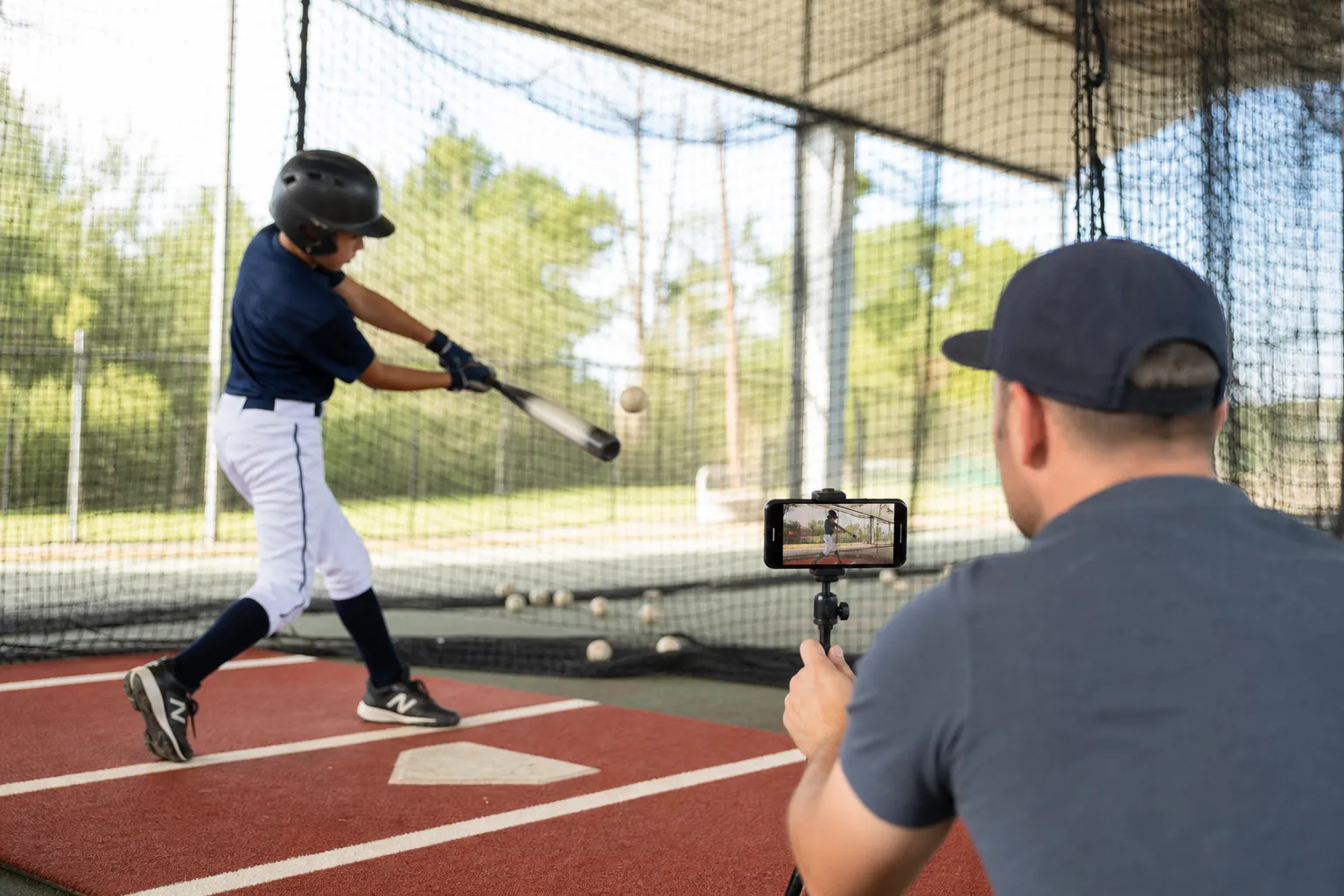
Put the camera on a tripod at hip height on the hitter's open side, the side their chest faces when they finish the swing, about 10 to 15 feet away and safely behind a net or fence. Keep the whole body and the bat in frame, from the top of the helmet to the feet. Use 60 frames per second or higher if your phone allows it, and record four or five swings so a coach or report can compare patterns instead of judging one rep. That one open-side clip is all a GameRunIQ report needs.
Why Camera Angle Changes What a Coach Can See
Most parents watch the ball. Coaches watch the hitter's hips, hands and front side, which is the lead leg and shoulder that face the pitcher. The open-side view shows hip-shoulder separation, the gap between when the hips start rotating and when the shoulders follow. When that separation happens too early or too late, the swing loses power even if contact still feels solid.
A second view from behind the hitter shows bat path and extension through the ball. Many coaches like having both. If you only have one camera, start with the open side, because it shows the most mechanics in a single clip.
The Best Camera Setup for Swing Analysis
The right setup combines angle, distance and camera height. Small errors in any one of these can hide the exact mechanic a coach is trying to check.
Camera Angle
Set the main camera on the hitter's open side, the side their chest faces at the finish, square to the hitter rather than out toward the pitcher. Always place it behind a net, screen or fence, never in the path of the ball. If you have a second camera, set it behind the plate area outside the cage netting, looking toward the pitcher, to show bat path.
Distance From the Hitter
About 10 to 15 feet usually lets the hitter fill most of the frame without being cut off. Too close often clips the bat or the finish. Too far away makes small flaws like early hip rotation hard to spot on a phone screen.
Camera Height
Place the camera at the hitter's hip height, not at a standing adult's eye level. A camera that looks down on the swing distorts the bat path, which can make a level swing look like it dips or a flat swing look steeper than it is.
| View | What It Shows | Height | Distance |
|---|---|---|---|
| Open side (main view) | Hip-shoulder separation, front side, balance | Hip height | 10 to 15 ft, behind a net |
| Behind the hitter (optional) | Bat path, extension, contact point | Hip height | Outside the cage netting |
Frame Rate and Lighting
Frame rate is the number of images a camera captures each second. A bat moves through the zone fast, so standard 30 frames per second video often blurs it into a streak right at contact. Sixty frames per second or higher, which most modern phones offer in a slow-motion mode, freezes the swing into clear, separate frames.
Light matters too. Filming outdoors in daylight or under bright gym lights gives the camera room to use a faster shutter, which cuts blur. Avoid filming into the sun or with a bright window behind the hitter, since backlighting turns the batter into a dark silhouette.
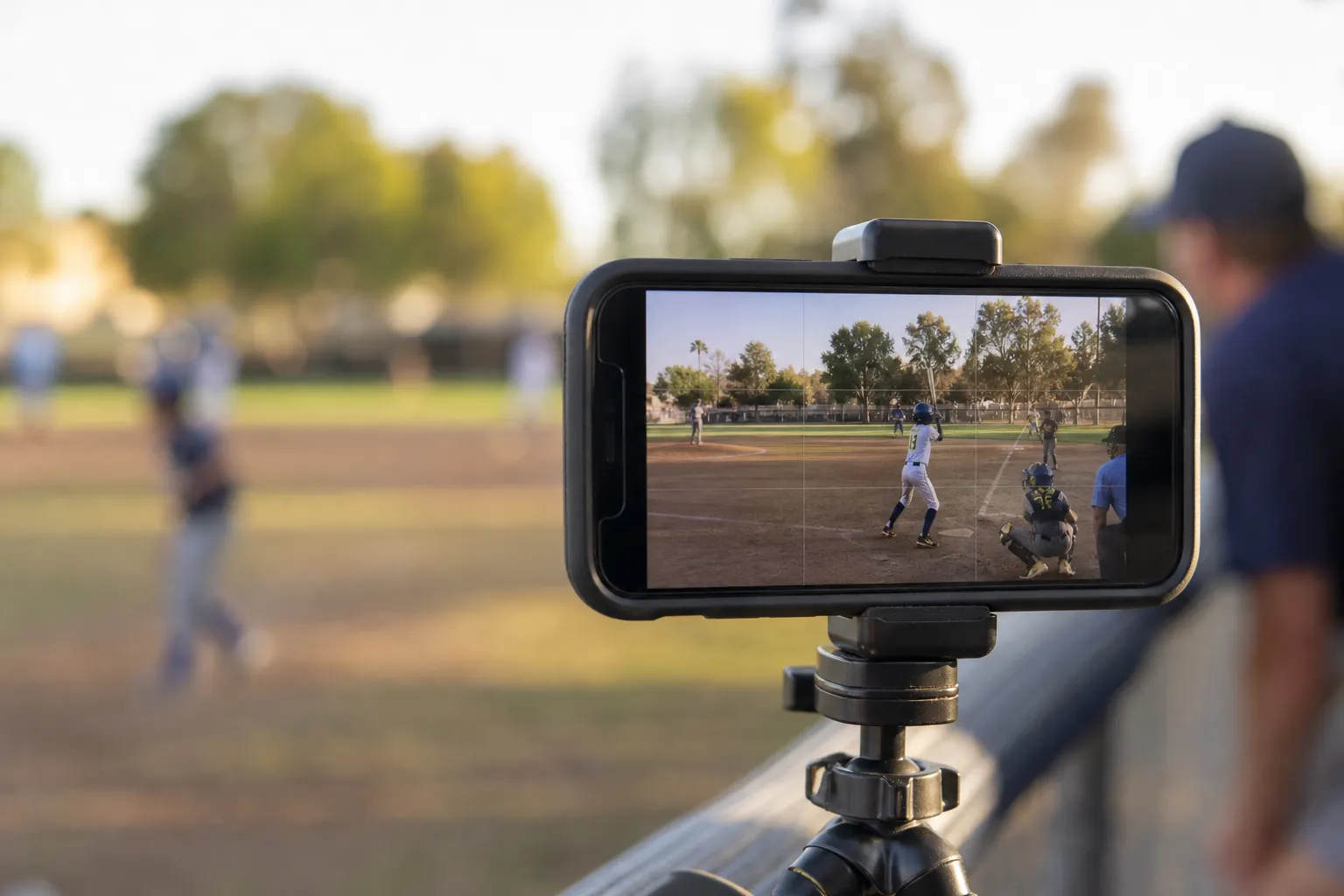
A simple tripod keeps the frame steady, which matters more for swing analysis than camera resolution.
Step by Step: Filming the Swing
Once the setup is right, the recording itself only takes a few minutes.
- Pick a safe spot on the open side. Stand on the side the hitter's chest faces, about 10 to 15 feet away, behind a net, screen or fence.
- Set the camera at hip height. Use a tripod or a steady surface instead of holding the phone.
- Frame the full body and bat. Zoom out until the helmet, both feet and the bat stay in frame through the whole swing, including the finish.
- Turn on slow motion if you have it. Sixty frames per second or higher keeps the bat sharp at contact.
- Record four or five swings. Leave a short pause between each one so every swing is easy to find.
- Upload the clip. Share it with your coach or upload it for a report, so the mechanics can be reviewed frame by frame.
Common Mistakes That Ruin Swing Video
- Holding the phone by hand, which adds shake and makes frame-by-frame review hard.
- Standing too far away, so small flaws in hip-shoulder separation disappear into a tiny figure on screen.
- Cutting off the feet, the helmet or the bat during the finish.
- Filming from the wrong side, so the hitter's back blocks the hips and hands.
- Recording only one swing, which can't show whether a flaw is a pattern or a one-off.
What to Do With the Footage
Good footage is only useful once someone reviews it. Many families now upload swing video to GameRunIQ, which combines AI, biomechanics and physics to read everyday sports video and turn it into a structured report. For hitting, it returns a GameRun Score and rates 20 hitting mechanics as Strong, Developing or Needs Work, as shown in this sample baseball hitting report.
The report also includes a Coach's At-a-Glance priority list, an AI Coach video that walks through the findings in plain language, and Ask GameRun for follow-up questions. GameRunIQ was built with input from former MLB players and coaches, and it is used in the National Team Identification Series by USA Baseball Regional Directors. For more on how the analysis works across hitting and pitching, see GameRun's baseball analysis. If your player also pitches, MLB and USA Baseball's Pitch Smart guidelines are a reliable source for safe workloads.
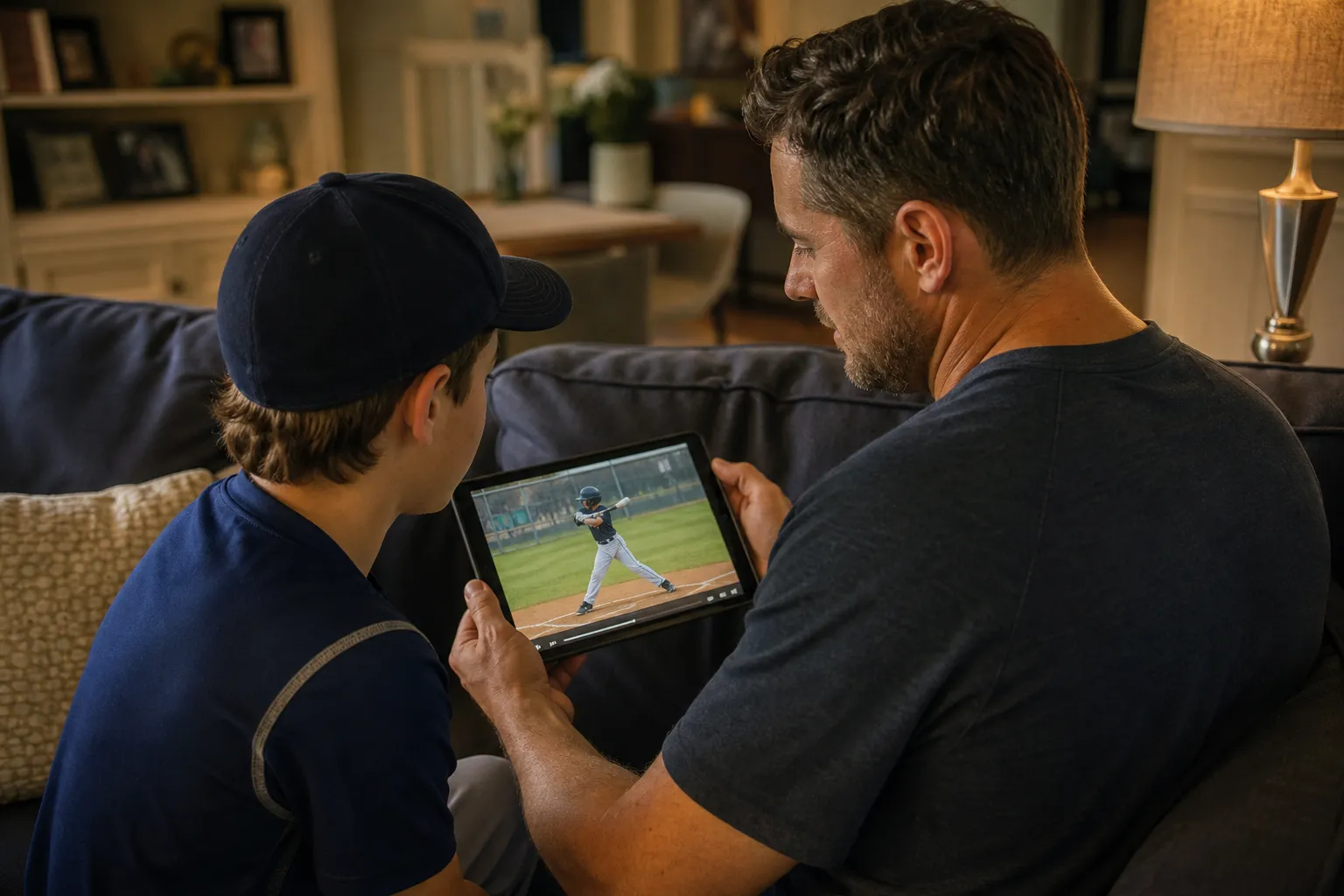
Reviewing the clip together turns raw footage into a coaching conversation.
Filming Softball Swings and Working With Your Coach
The same angle, distance and frame rate rules apply to softball, since hip rotation, bat path and the front side work the same way. Here is a sample softball hitting report, and the softball page covers what else GameRun looks at.
Video is a tool for the coach, not a replacement for one. A coach still decides which drill fixes which flaw and still watches the athlete work in person over time. Coaches who want to manage video and drill plans across a roster can look at GameRun's tools for baseball coaches. If you share reports with family or a coaching staff, check the sharing settings in the Parent Portal so video stays with the people who should see it.
Final Thoughts
Filming a swing for analysis comes down to a few repeatable habits: the open side, a steady tripod at hip height, enough distance to show the full body and bat, and a frame rate fast enough to freeze contact. None of it needs expensive gear, because a phone already does the job. The real work is being consistent, filming four or five swings each session and getting the footage to a coach, or a tool like GameRunIQ, who can put it to use. Good video doesn't replace a coach's eye. It just makes sure everyone is looking at the same swing.
Frequently Asked Questions
Do I need a special camera to film a swing for analysis?
No. Any modern smartphone on a steady tripod works. Good light, the right angle and a full-body frame matter far more than camera quality. GameRunIQ works with ordinary phone video, and you can also upload a clip from a Google Drive or Dropbox link.
Which side should I film from?
Film from the hitter's open side, the side their chest faces at the finish, at hip height and behind a net or fence. That view shows hip-shoulder separation, the front side and balance in one clip.
What frame rate is best?
Sixty frames per second or higher. Many phones offer 120 or 240 frames per second in slow-motion mode, which makes the point of contact even easier to see.
How many swings should I record?
Four or five swings is the sweet spot. One swing might be a fluke. Several swings show the hitter's real habits.
How long does it take to get a report back?
A GameRunIQ report is usually ready within a few minutes of uploading, though timing can vary with video length and file size. GameRun is free to start, and paid plans are listed inside the app.