How Does AI Video Analysis Work in Sports? A Guide
How does AI video analysis work in sports? In short, software watches a clip frame by frame, finds the athlete's joints, measures how they move and turns those measurements into feedback a coach can use. Here is what happens behind the screen, and how to film a clip that gives you a useful result.
Quick Answer
AI video analysis uses computer vision to track body positions in ordinary video, measures angles, timing and balance, and compares them with known movement patterns for that sport. A coach then uses the report to decide what to teach.
What Is AI Sports Video Analysis?
It's the use of software to study movement in everyday video. Instead of a person pausing and replaying a clip, the software measures it, and it checks the same things on every frame, every time.
That works because of computer vision, the field that teaches computers to understand images. Add biomechanics, the study of how bodies move, and the software can say more than "that looks off." It can point to what changed and when.
The Four Steps Behind an AI Video Report
1. Find the athlete
First, the software finds the athlete in each frame and separates them from the background. A clear view of the full body makes this step more reliable.
2. Track the body with pose estimation
Next comes pose estimation. It marks points such as the shoulders, hips, knees, elbows and wrists. Linked together across frames, those points form a moving skeleton.
3. Measure the movement
Then the skeleton becomes numbers: joint angles, how fast a body part moves and the order in which parts fire. In a swing, for example, it can check hip-shoulder separation, how far the hips rotate ahead of the shoulders.
4. Compare and explain
Finally, the measurements are compared with patterns for that sport and skill. The output rates each mechanic and lists the top priorities in plain language, so a parent and a coach can read the same page.
What the Software Can and Can't See
AI is consistent. It doesn't get tired, and it applies the same checks to the first clip and the fiftieth, which makes it handy for tracking change over time. But it can only measure what the camera captures. A blocked arm, a dark gym or a shaky phone weakens the result, and it can't know an athlete's goals, growth stage or history. That context belongs to the coach.
| Strength | Limit |
|---|---|
| Measures every frame the same way | Can't see what the camera misses |
| Shows progress across clips | Doesn't know the athlete's full story |
| Gives coach and parent one shared view | Doesn't decide what to teach |
How to Film a Clip the AI Can Use
Filming is the one part you control.
- Pick one skill, such as a swing, a pitch, a shot or a skating stride.
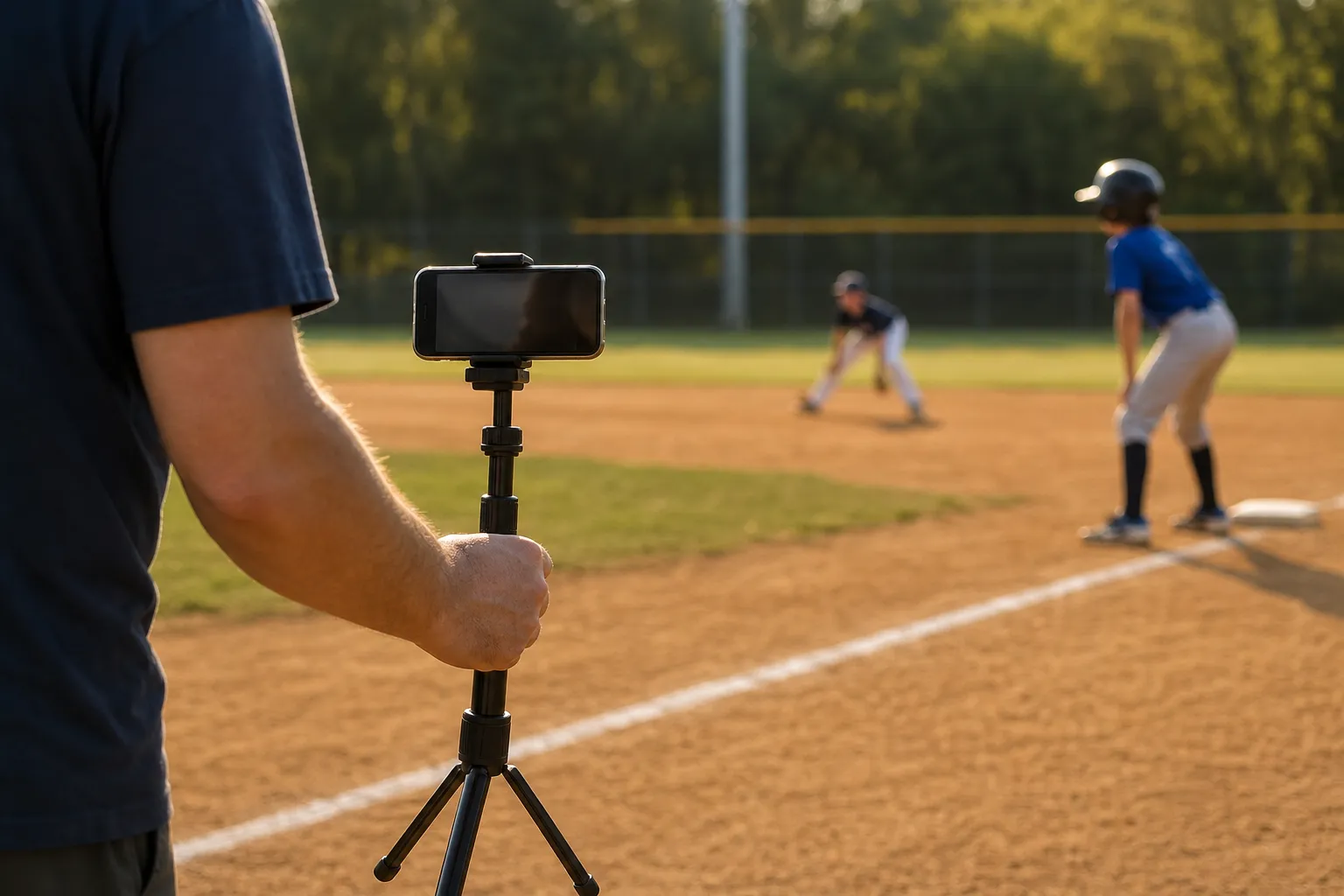
- Set the phone at about hip height, steady on a tripod, with the whole body and any equipment in frame from head to feet. For hitters and pitchers, film from their open side.
- Record four or five reps in good light, keeping the same angle.
- Upload the clip and wait a few minutes for the report.
- Start with the top priorities, then train and film the same skill again in a few weeks.
For more on how everyday athletes use video, see our guide to sports performance analysis beyond the pros.
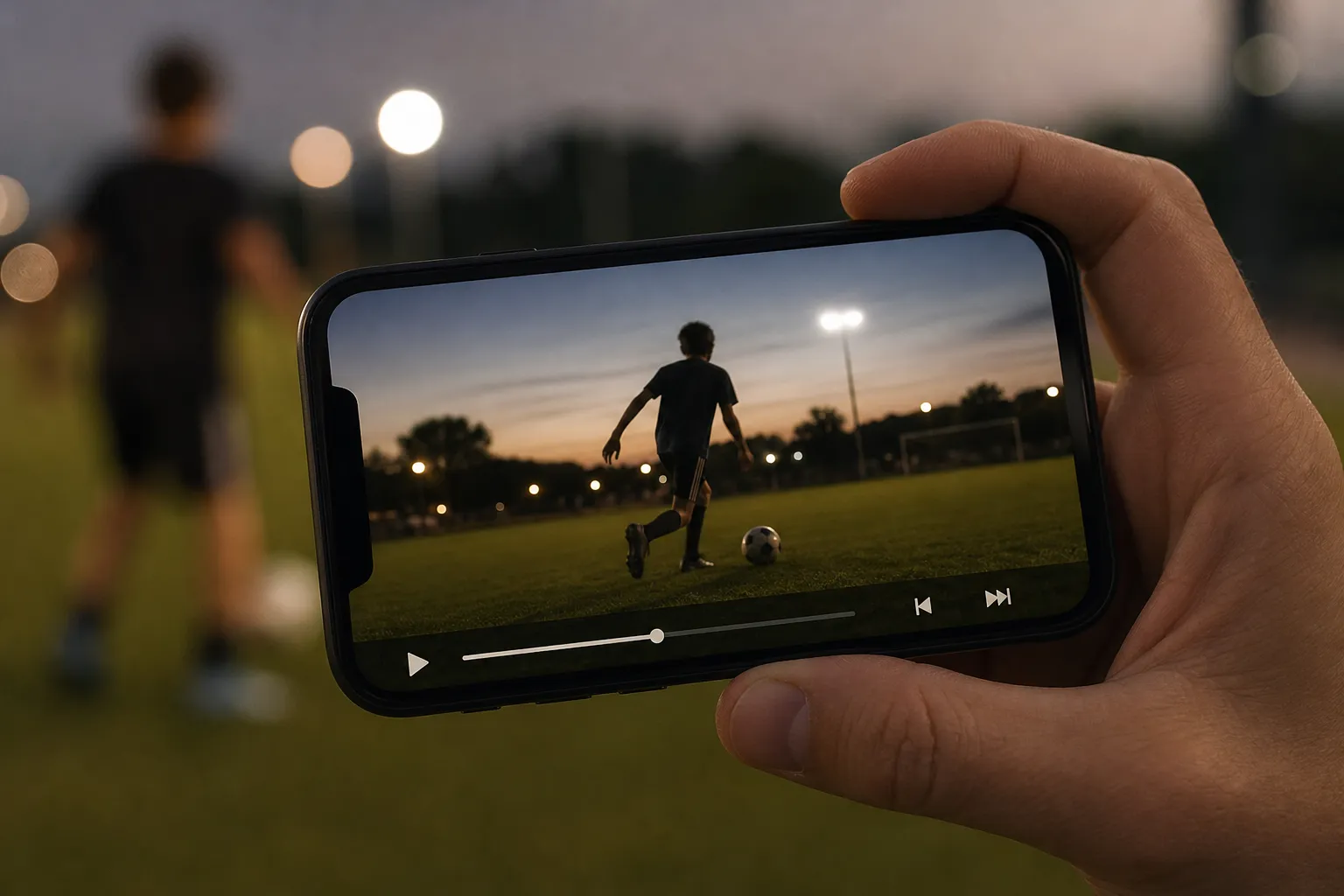
Pausing a clip is the same idea AI applies, only on every frame.
What It Looks Like in Practice
Picture a 12-year-old pitcher whose glove arm flies open early. The front side, the glove-side half of the body, pulls away before the throw. The report flags it as Developing and lists it near the top of the priorities. The coach picks one drill, and the family films again later to see the change.
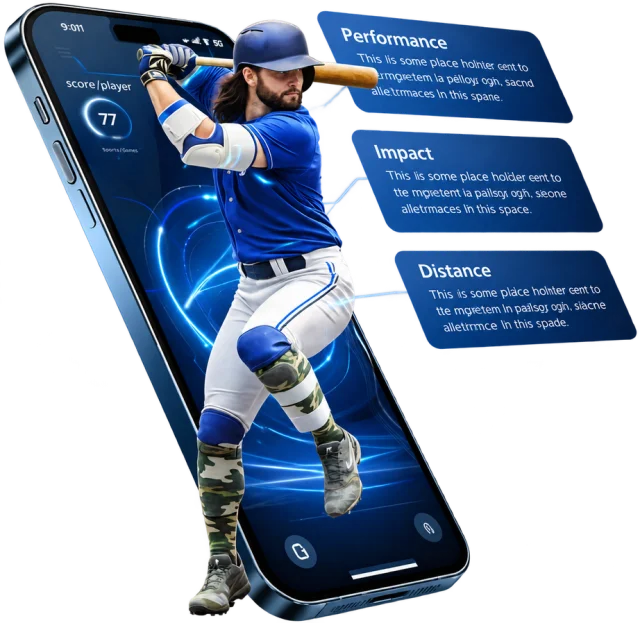
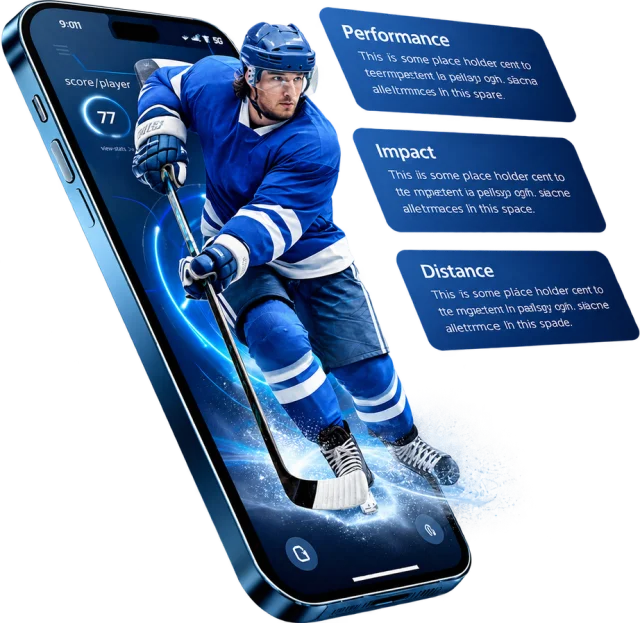
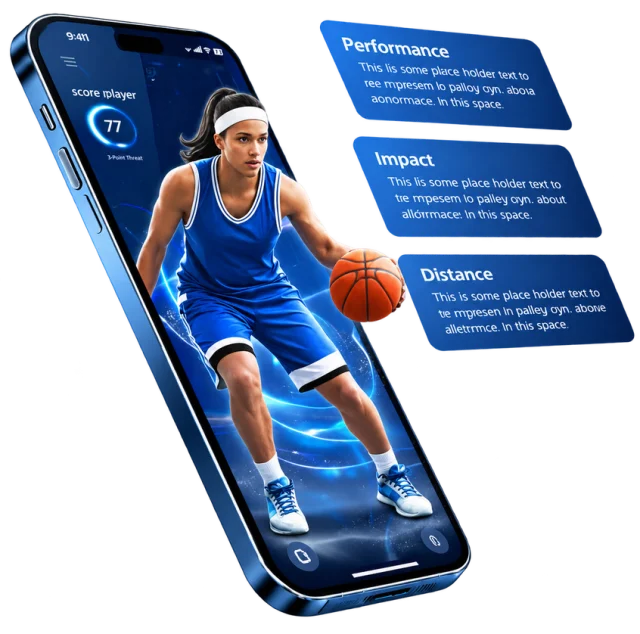
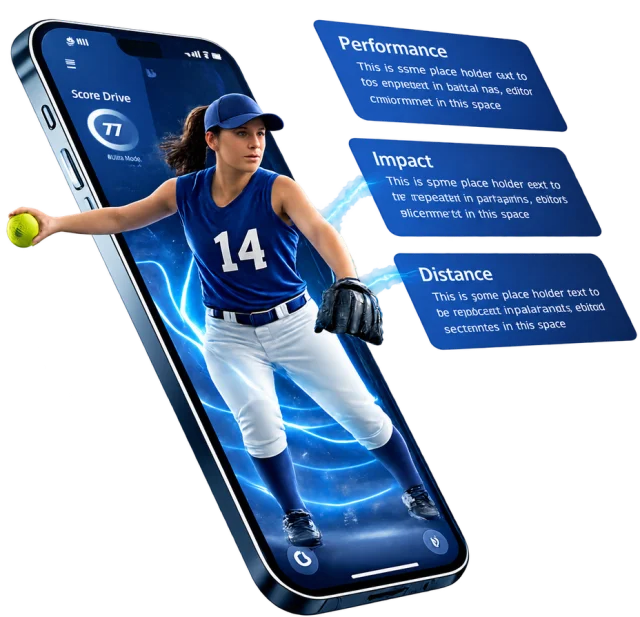
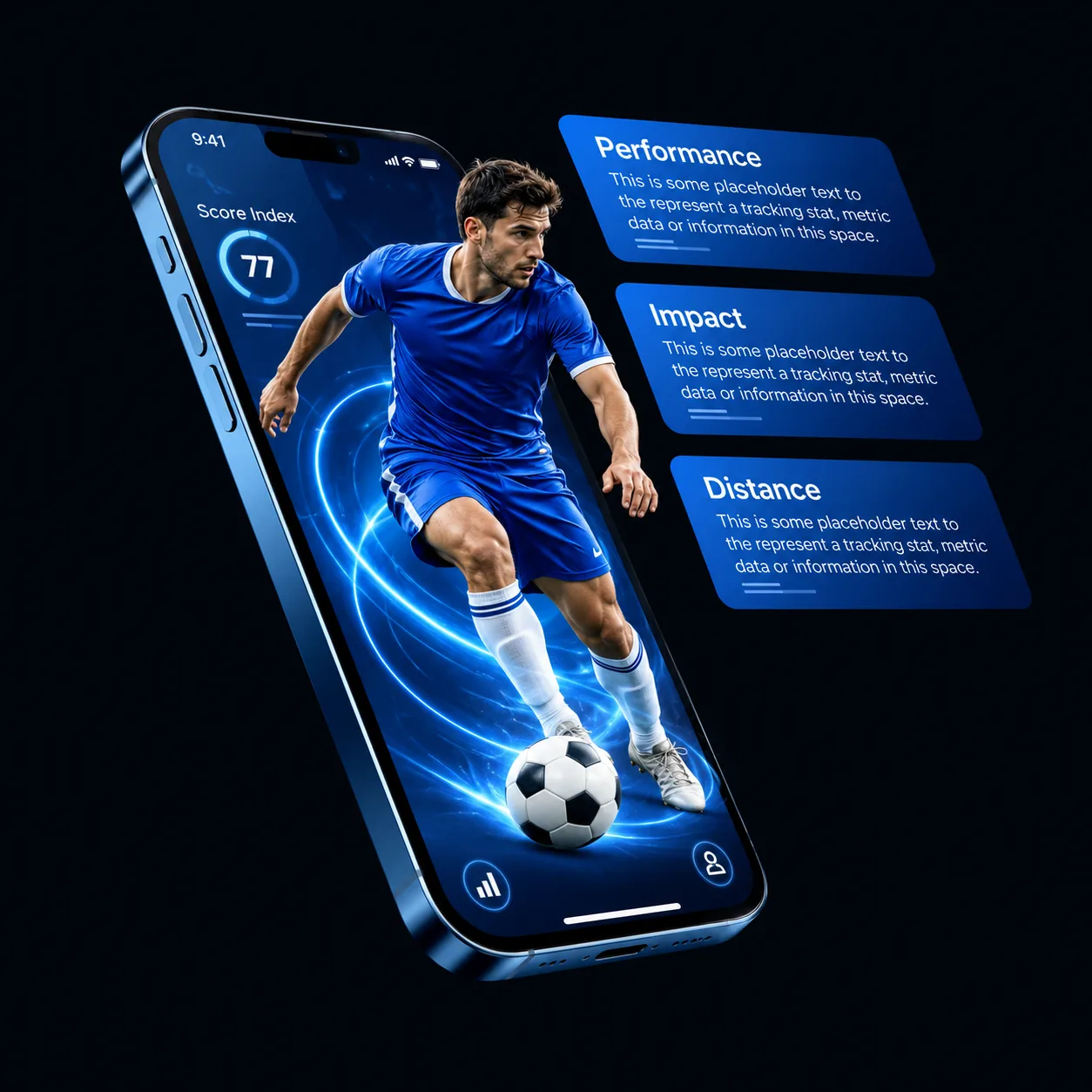
GameRunIQ follows this flow. A report can include an overall GameRun Score, mechanics observations rated Strong, Developing or Needs Work, a Coach's At-a-Glance summary of next priorities, an AI Coach video that talks through the findings, drills with Focus and Execution steps, and Ask GameRun for questions about the report. You can see a sample baseball hitting report. GameRun currently supports baseball, softball, basketball, ice hockey and soccer, with sport pages like ice hockey showing what each one covers. The tool supports the coach, it doesn't replace one.
If you share a report with a coach or relative, check your sharing settings first so a young athlete's video stays with the people you intend.
Tips for Using the Report Well
- Focus on one or two priorities at a time. Fixing everything at once rarely works.
- Film from the same angle each time so comparisons are fair.
- Keep it encouraging. Development takes time, and a rating is a starting point.
- Bring the report to your coach and ask which change matters most right now.
Final Thoughts
AI video analysis finds the athlete, tracks the body, measures the movement and explains the results in a report. Film a clean clip, focus on a couple of priorities and take the findings to your coach. When everyone looks at the same video, development gets simpler. You can start free at gamerun.ai.
Frequently Asked Questions
How does AI video analysis work in sports in simple terms?
Software finds the athlete's body in each video frame, tracks key joints, measures the motion and compares it with known patterns for that skill. The result is a report a coach can review.
What is pose estimation?
It's a computer vision method that locates body points such as the shoulders, hips, knees and wrists in an image. Linking those points frame by frame creates a moving skeleton the software can measure.
Do I need special cameras or sensors?
No. GameRunIQ works with video from a phone or any camera. A steady angle, good light and a full-body frame matter more than equipment.
How long does a report take?
Reports usually arrive within a few minutes of uploading, though timing can vary with the video.
Can AI replace a coach?
No. AI shows what is happening in the movement, and a coach decides what to teach and when. Video analysis supports that conversation.